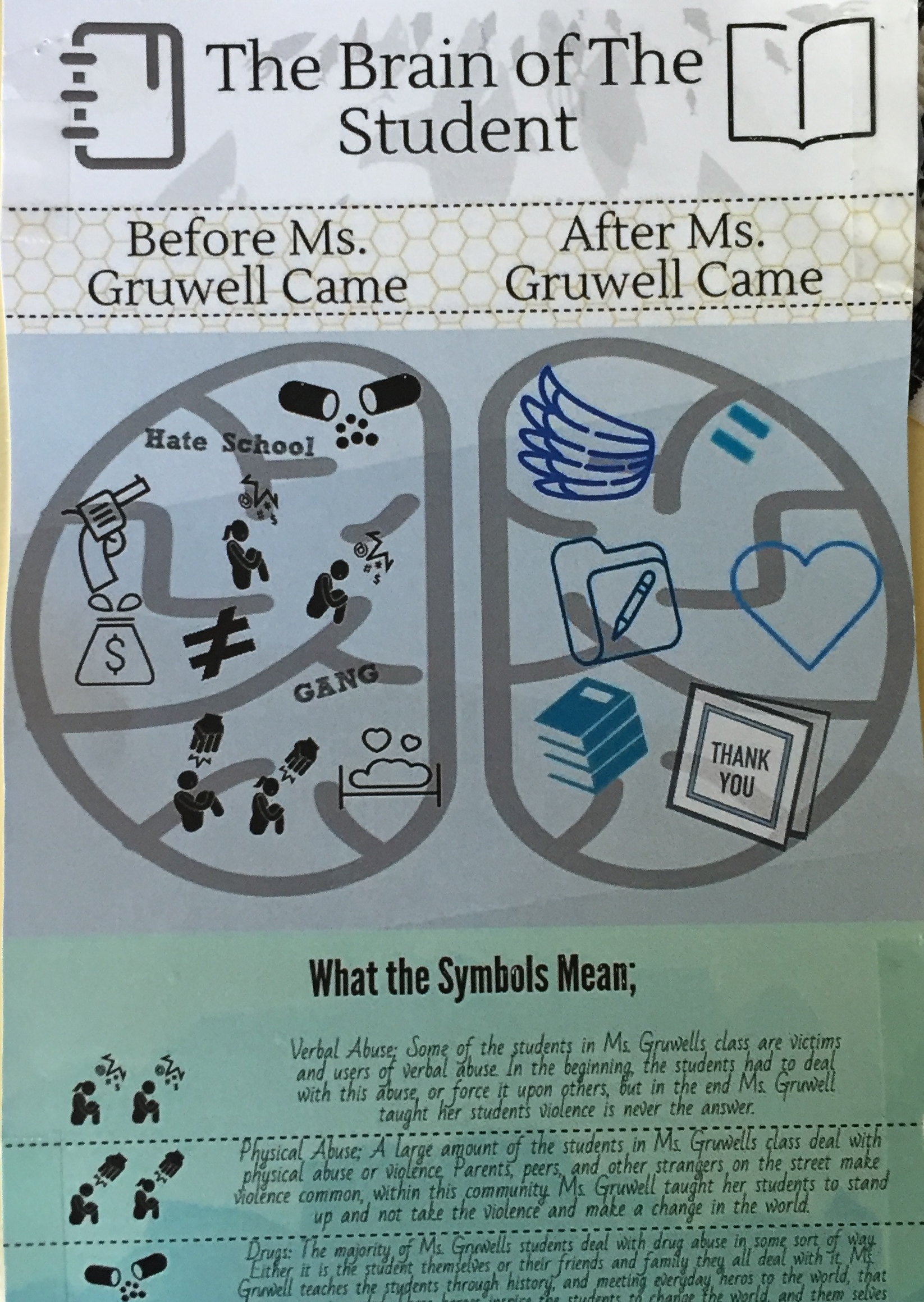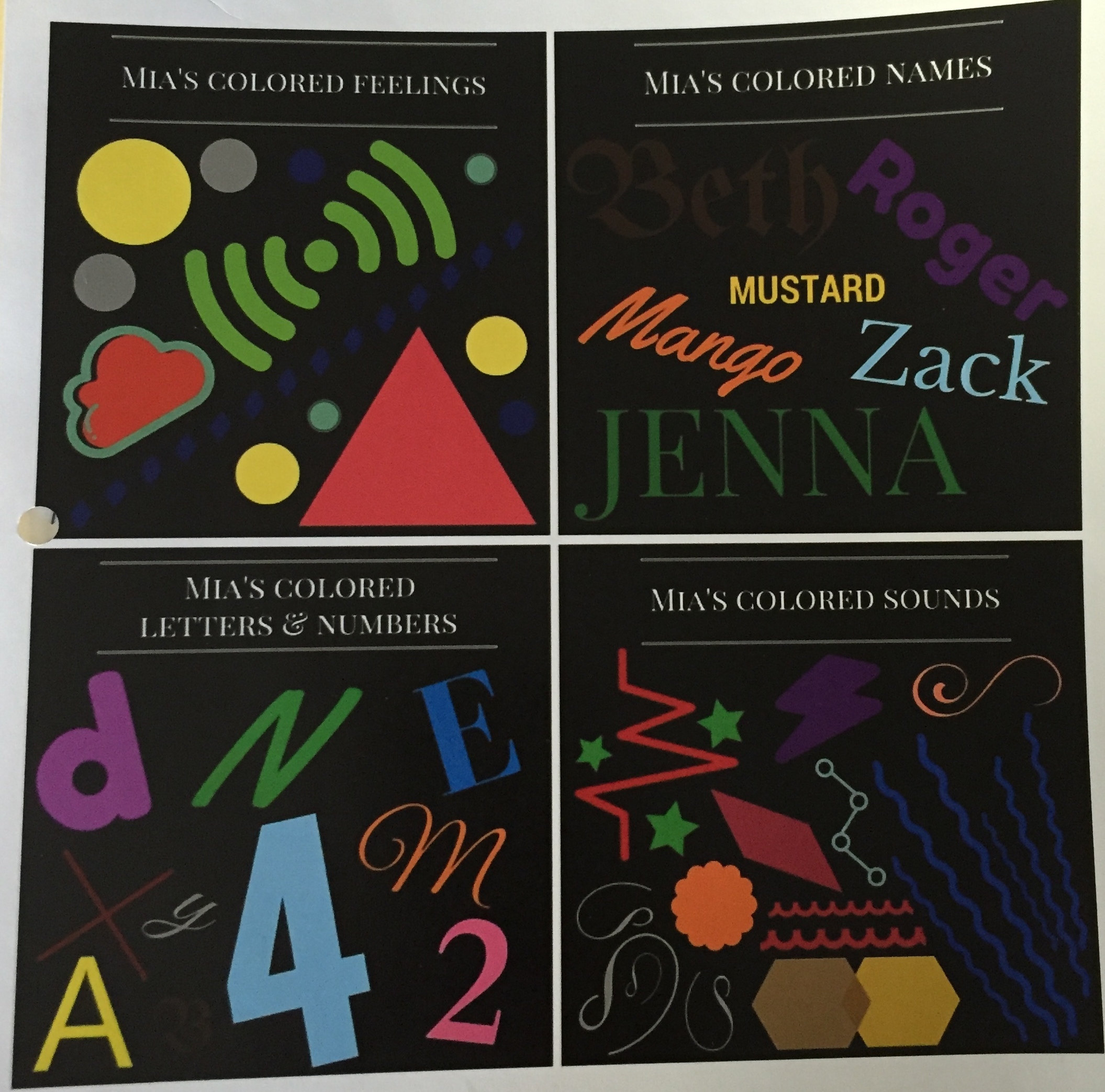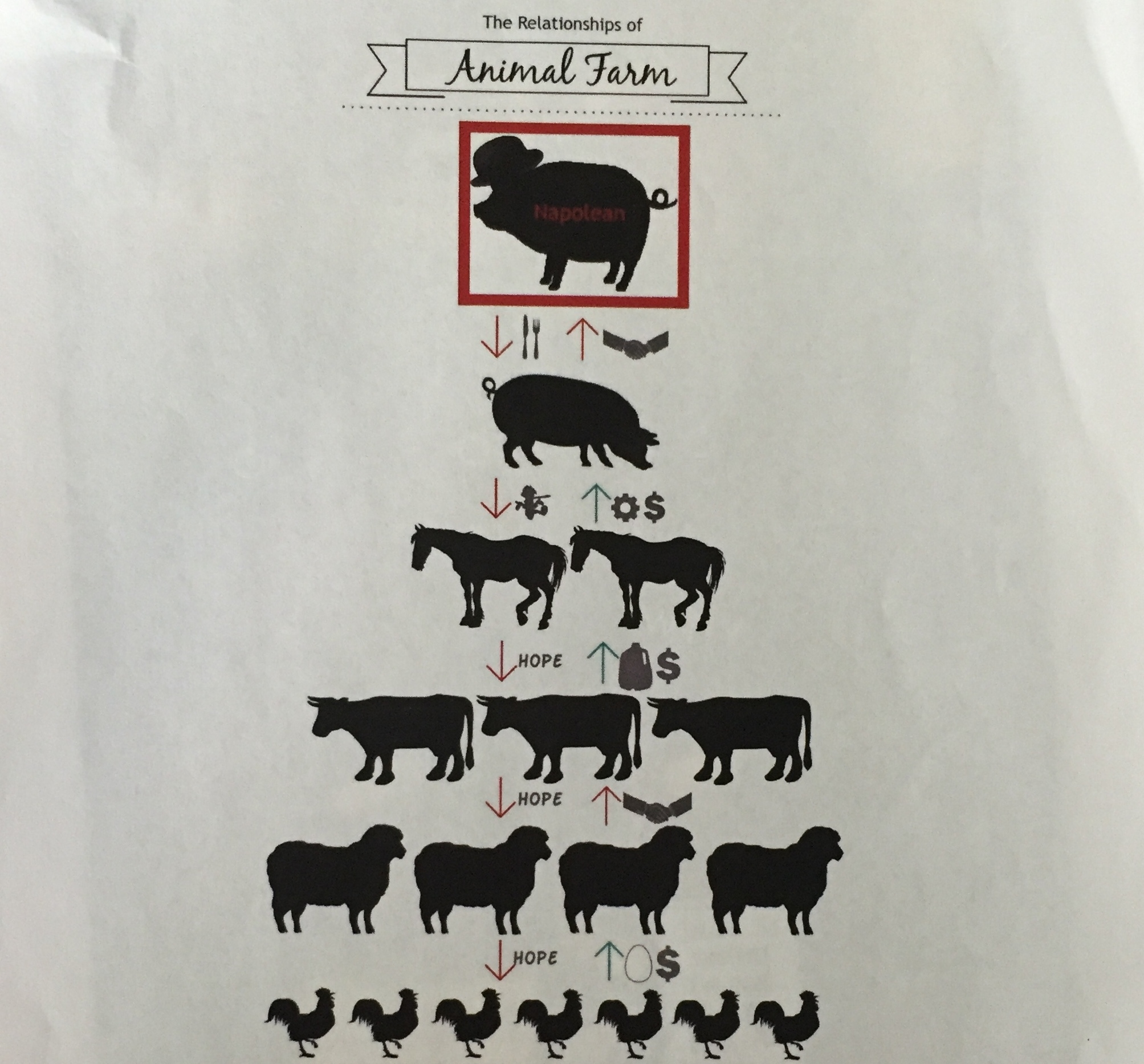
Well, it has been 349 days since my last blog post! Where have I been you ask? Great question. My last post found me completing my graduate degree in Digital Education Leadership at Seattle Pacific University while closing out yet another school year as a middle school language arts teacher. I was also nine months pregnant and counting, awaiting the arrival of my son. Amazingly, I made it to just four days before the end of the school year before Parker was born. That day, June 10th, happened to also be the same day as my graduation from Seattle Pacific. My esteemed program director, along with my devoted cohort, threw me my very own make-up graduation a few months later. Who says you can’t do it all?

During this hiatus spent caring for my son, I have been fortunate enough to explore some great opportunities that I am eager to share about on my blog. I’d like to start back in August, when I lead three training sessions in various passion areas of mine (student blogging, infographics and genius hour) for teachers in my school district. Today, I’ll focus on infographics.
Infographics
In my own classroom, the use of infographics has been a valuable tool to teach not only visual literacy, but graphic design. Our society is a visual one and students need to be prepared to not only interpret the meaning of visuals presented to them but to present their own visual stories back to others. Many already do this in some capacity on sites like Instagram, YouTube and Snapchat. Of course, creating an infographic does go beyond taking a selfie, requiring students to think critically.
What is an infographic?
I tell my students that infographics are a way to convey information to an audience in a simple, engaging way. I tell them that it is a way of storytelling. I tell them that it counters the notion, often seen in writing, that longer is better. I tell them that synthesis is truly the challenge with visuals and that the key to an infographic is to end with a deceptively simple looking finished product.
How do you use them in your teaching?
Most students a haven’t heard the term infographic. They are, however, familiar with similar images in nonfiction books from their childhood. Students are often surprised by how much they can “read” from a visual image, as well as how quickly they can identify the relationships present, such as in flowcharts and cycles, etc. I often begin by showing students some examples and asking them to identify key elements. This is an important first step to pave the way for students to create their own.
Breaking down an infographic with students…
-
How do you read this image? From left to right?
-
How does the organization of information/text structure help an author and a reader establish important themes?
-
What do you see first? Why?
-
What stands out to you at second glance? Why?
-
Where does your eye travel?
-
What relationship is shown in this infographic? How do you know? What choices did the designer make to ensure this was clear, even from afar? How does this help you to read this information?
-
How is color used? What is bright and what is dull in color? Why do you think the creator chose to do this?
Students are amazed to realize that these decisions are not haphazard, but purposefully and thoughtfully designed by the author.
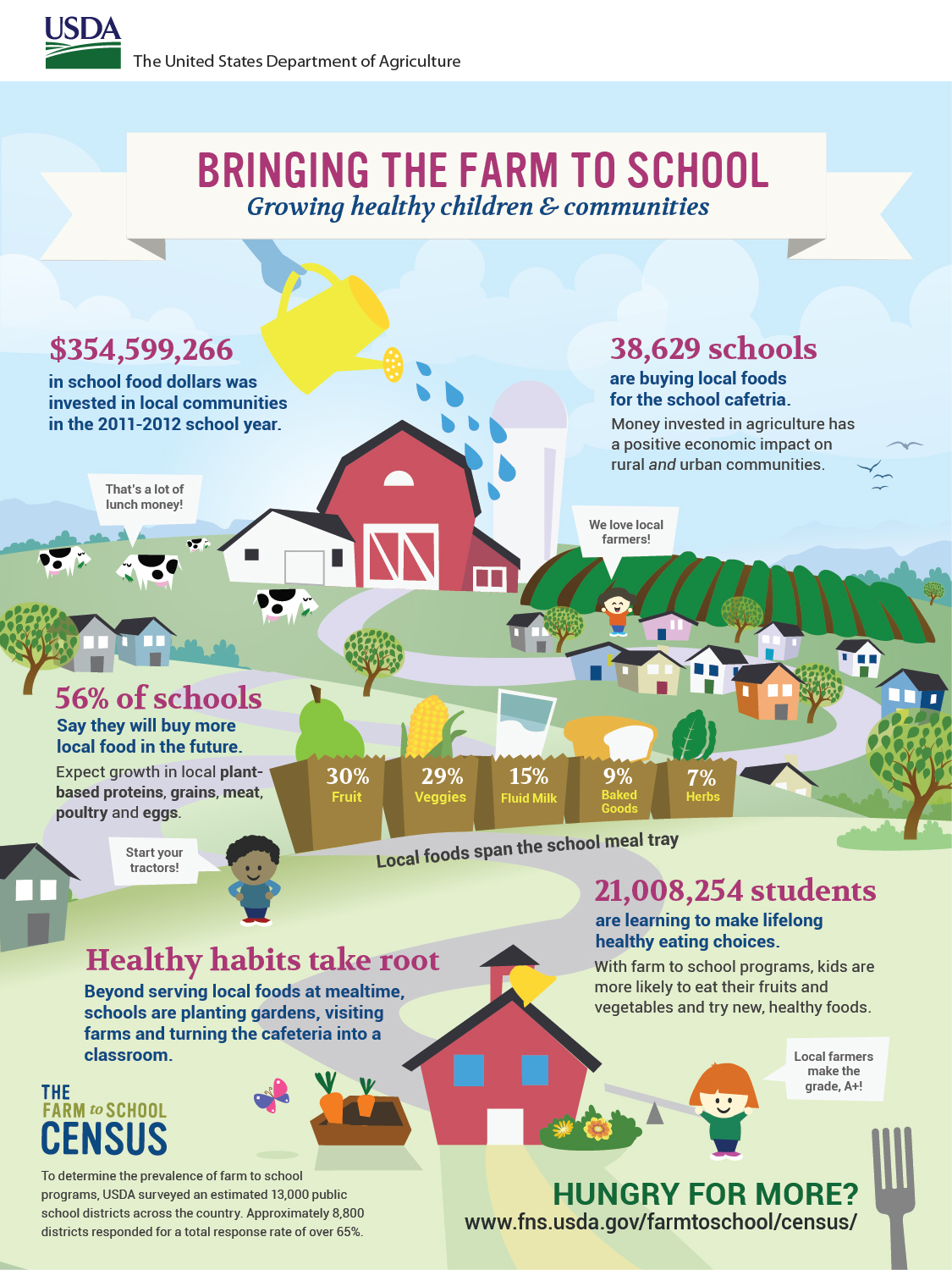
“Bringing the Farm to School: Growing Healthy Children & Communities” by USDA is licensed under CC by 2.0.
For example, consider the infographic above. A quick “read” yields some clear key points of infographic creation. Thematic imagery is used to convey the larger message (farm-to table practices are present in some U.S. schools). At first glance, it is clear that numbers and statistics are a big focus. Color and font size draw attention to these statistics. It quickly becomes clear that this infographic is designed to highlight the successes of current farm-to-table eating in schools, rather than challenges. Upon more detailed inspection, one may notice that the sizes of the grocery bags decrease to coincide with the percentages represented on them. While this is far from a complex infographic, it is successful in presenting synthesized information about the topic. It is also clear that graphic design elements are purposeful and on message. I encourage teachers to survey students for a topic of interest before choosing an infographic to study as a class. This will only create further engagement and interest with students.
How do you make an infographic and not just a poster?
- Try to get out of the habit of “go find and stick up” (In other words, your images are not stickers.)
- The viewer should be able to understand relationships presented at first glance. Similarly, the larger message should be able to cross language barriers.
- Your overall imagery should be thematic or symbolic.
- The information you present should not just be content, but it should be an analysis or synthesis of this information.
- Does your infographic…tell a story? persuade? present an argument?
- You should consider the overall text structure (compare and contrast, sequence, cause and effect, etc.)
What tools do you use to create infographic?
 There are many, many online tools available that can make this process easy and fun for students. Some examples are listed below. Please note that some of these tools have both free and paid versions with varying customization options. Be warned that “go find and stick up” is tempting with these tools. Additionally, by no means is a fancy tool necessary to create such a visual image. A simple tool like Google Slides, Powerpoint or even a pen and paper can work just as well!
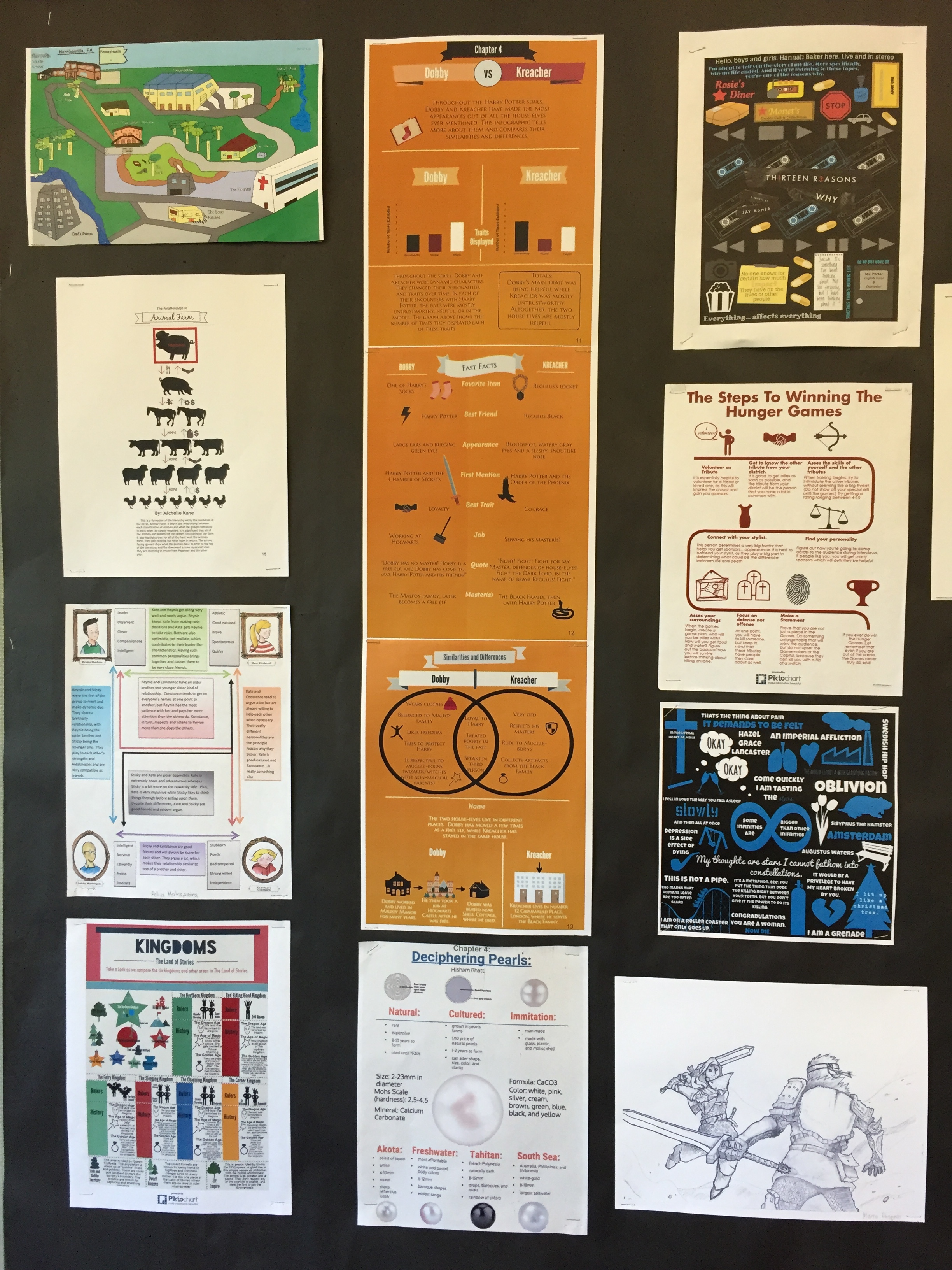
Students Examples from Literary Projects